
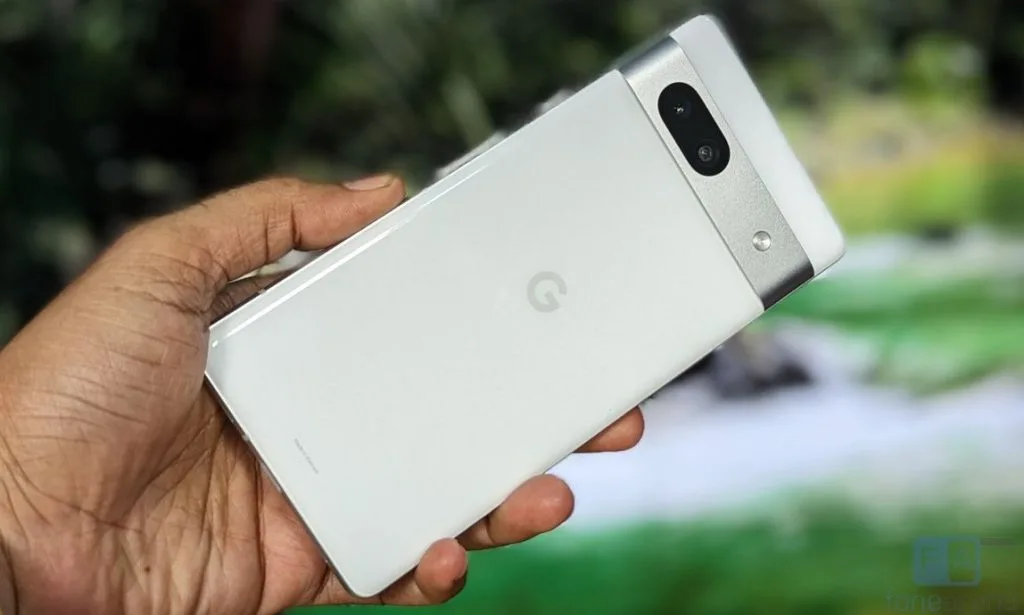
How to Fix Google Pixel 7a Battery Swelling (Free Replacement Program Guide)
A google pixel 7a battery swollen condition occurs when internal pouch degradation generates sulfur dioxide, carbon dioxide, and hydrocarbon gas buildup inside the hermetically sealed lithium-ion cell.
To address widespread reports of this defect, Google launched the official Extended Repair Program for Pixel 7a, granting eligible devices a free battery replacement or appeasement for up to 3 years from the original retail purchase date.
Quick Diagnostic Matrix
| Symptom | Root Cause | Safety / Diagnostic Path | Recommended Fix |
| Back panel lifting or seam gap along volume buttons | Gas accumulation within the lithium-ion pouch cell pushing rear cover | Visual Seam Inspection | Do not charge. Verify IMEI under Google’s Extended Repair Program for a free replacement. |
| Display popping outward or glass lifting from frame | Severe battery expansion warping the magnesium-aluminum chassis | Side Profile Check | Power off immediately; do not apply pressure or clamps; initiate an emergency safety RMA. |
| Rapid battery drain and thermal throttling under light use | Internal electrolyte breakdown and high internal cell resistance | Settings > Battery | Check battery cycle count and health; file a claim through Google Support or an authorized partner. |
| Device rocks or spins on a flat table | Symmetrical pouch swelling deforming the center of the phone back | Flat Surface Wobble Test | Cease use immediately; place phone in a fireproof container or non-flammable area. |
1. Emergency Safety Protocol: Handling a Google Pixel 7a Battery Swelling Issue
When dealing with a google pixel 7a battery swelling issue, you must treat the phone as a chemical and fire hazard. Swollen lithium-ion pouches are under physical tension; puncturing or crushing the pouch can cause immediate thermal runaway (temperatures exceeding $600^circtext{C}$ with toxic outgassing and jet flames).
[Swollen Battery Detected]
 └── 1. Unplug immediately (DO NOT connect any wired or wireless charger)
      └── 2. Power off the device completely
           └── 3. DO NOT press, squeeze, or clamp the bulging panel
                └── 4. Store in a cool, well-ventilated, non-combustible area
Do Not Charge the Device: Applying electrical current increases internal cell temperature and accelerates gas generation, risking a pouch breach.
Discharge Safely (If Still Powered): If the phone can be operated safely for a moment, allow the battery level to drop below 25% (or power it off immediately if already warm). A depleted cell contains less chemical energy, drastically reducing the severity of a potential thermal failure.
Do Not Pierce or Force Back: Never attempt to press the lifting rear cover back into place or puncture the battery pouch to release gas.
2. Claiming Google Pixel 7a Battery Swelling Warranty & Free Replacement
Under the official Extended Repair Program, Google provides a one-time free google pixel 7a battery swollen replacement for affected hardware.
[Google Support Portal (support.google.com/pixelphone)]
 └── Extended Repair Program for Pixel 7a
      └── Enter Device IMEI (Dial *#06# or check SIM tray)
           ├── Walk-in Authorized Center (uBreakiFix / Asurion) ──► Free Same-Day Repair
           ├── Mail-in Repair (Prepaid Safety Hazard Packaging) ──► Factory Replacement
           └── Out-of-Region / No Stock ─────────────────────────► Appeasement / Refund
Step A: Verify Your Device IMEI
Retrieve your 15-digit IMEI:
Dial
*#06#on the phone dialer (if operable).Eject the physical SIM tray and read the tiny IMEI printed on the tray spine.
Check the barcode on the original retail packaging or your Google Store invoice.
Navigate to Google’s official Extended Repair Program for Pixel 7a page.
Enter your IMEI to confirm hardware eligibility.
Step B: Choose Your Repair Route
Walk-In Repair Centers (US, CA, UK, DE, JP, SG, IN, AU, FR): You can bring your device directly to Google’s authorized service partners (such as uBreakiFix / Asurion in North America or CTDI) for a free battery replacement while supplies last.
Mail-In Repair: If walk-in centers are unavailable in your area, contact Google Support to receive specialized damaged-battery shipping materials complying with lithium-ion transport regulations.
Past Repair Refunds: If you previously paid an authorized repair provider out-of-pocket for a Pixel 7a battery swelling replacement before the program took effect, Google offers a retroactive reimbursement (typically up to $200 USD or local equivalent).
3. Resolving the Google Pixel 7 Battery Swelling Issue
While the official 3-year Extended Repair Program is designated specifically for the Pixel 7a, owners of the standard flagship Pixel 7 also report cases of a google pixel 7 battery swelling issue.
[Standard Google Pixel 7 Swelling]
 └── Contact Google Support via Chat / Phone
      └── Explicitly state: "Battery swelling / chassis delamination / safety hazard"
           └── Upload clear photos showing side profile & serial/IMEI
                └── Google handles as Out-of-Warranty Safety Exception (RMA)
Initiate an Out-of-Warranty Safety Claim: If your standard Pixel 7 is out of warranty, do not simply open a standard repair ticket. Contact Google Support via chat or phone and explicitly flag the problem as a hazardous battery expansion / safety issue.
Submit Photographic Evidence: Support will request macro photos of:
The phone resting flat on a table showing the separation gap along the frame.
Clear shots of the display edge or rear glass lifting away from the aluminum chassis.
A screenshot of the IMEI or a photo of the SIM tray.
Safety Exception Replacement: For a google pixel 7 battery swelling replacement, Google customer service frequently grants an out-of-warranty RMA replacement (often providing an advanced exchange or refurbished replacement unit) due to safety compliance policies regarding lithium battery failures.
4. Google Pixel 7a & Pixel 7 Battery Swelling Reddit Reports & Field Experiences
Technical feedback documented across google pixel 7a battery swelling reddit and google pixel 7 battery swelling reddit threads (primarily on r/GooglePixel and r/Pixel7a) highlights several critical factors during the claim and repair process:
Third-Party Damage Exclusions: Google’s terms stipulate that the repair program covers battery replacement, but if your phone has a shattered screen, cracked rear glass, or severe liquid corrosion, Google may require payment for the damaged components before performing the battery repair. Take high-resolution photos of the phone before handing it to a technician to document that physical panel gaps were caused strictly by outward battery expansion rather than drops.
Walk-In Repair Turnaround: Users reporting on Reddit confirm that authorized partners like uBreakiFix can execute the battery replacement within 1 to 2 hours if OEM parts are in stock. Call the local branch ahead of time to ensure they have the official Pixel 7a replacement adhesive kit and OEM battery pack on hand.
Shipping Limitations: Standard parcel carriers (USPS, FedEx, UPS) strictly prohibit air-shipping swollen or compromised lithium-ion batteries. If you are using Google’s mail-in service, use exclusively the ground-transport safety packaging provided by Google.
5. Manual Replacement & Proper Battery Disposal (If Ineligible)
If your device is deemed ineligible under the google pixel 7a battery swelling warranty (for instance, purchased through an enterprise fleet account or located in an unsupported region), you can perform a hardware replacement or take it to a qualified third-party electronics technician:
[Pixel 7a Screen Removal]
 └── Apply gentle low heat (75°C) to display perimeter
      └── Slice screen adhesive with a thin plastic pick (Avoid deep penetration)
           └── Unfasten midframe bracket screws
                └── Disconnect battery FPC ribbon ──► Pull stretch-release tabs
Source Genuine Parts: Use an official OEM replacement battery kit (e.g., via iFixit) that includes pre-cut frame water-resistance adhesive and fresh battery pull-tabs.
Handle the Bloated Cell Carefully: When lifting the swollen battery from the frame:
Do not use sharp metal pry tools or screwdrivers against the pouch.
If the adhesive pull-tabs snap, soften the factory glue from underneath using a few drops of high-concentration (99%) isopropyl alcohol (IPA). The alcohol weakens the acrylic adhesive without dissolving the battery sleeve.
Use a broad, blunt plastic spudger to gently lever the cell out.
Hazardous Waste Disposal: Never discard a swollen lithium battery into household trash or municipal recycling bins. Take the old cell to a certified hazardous waste collection facility, municipal electronic waste depot, or participating battery drop-off retail center (such as Best Buy or Call2Recycle locations), transporting it inside a metal container filled with sand or a dedicated fire-retardant LiPo safety bag.